Calibration
The Calibration step fits the selected models' parameters to the observed streamflow of the calibration station over the calibration period — by hand, or with the SCE-UA optimization algorithm.
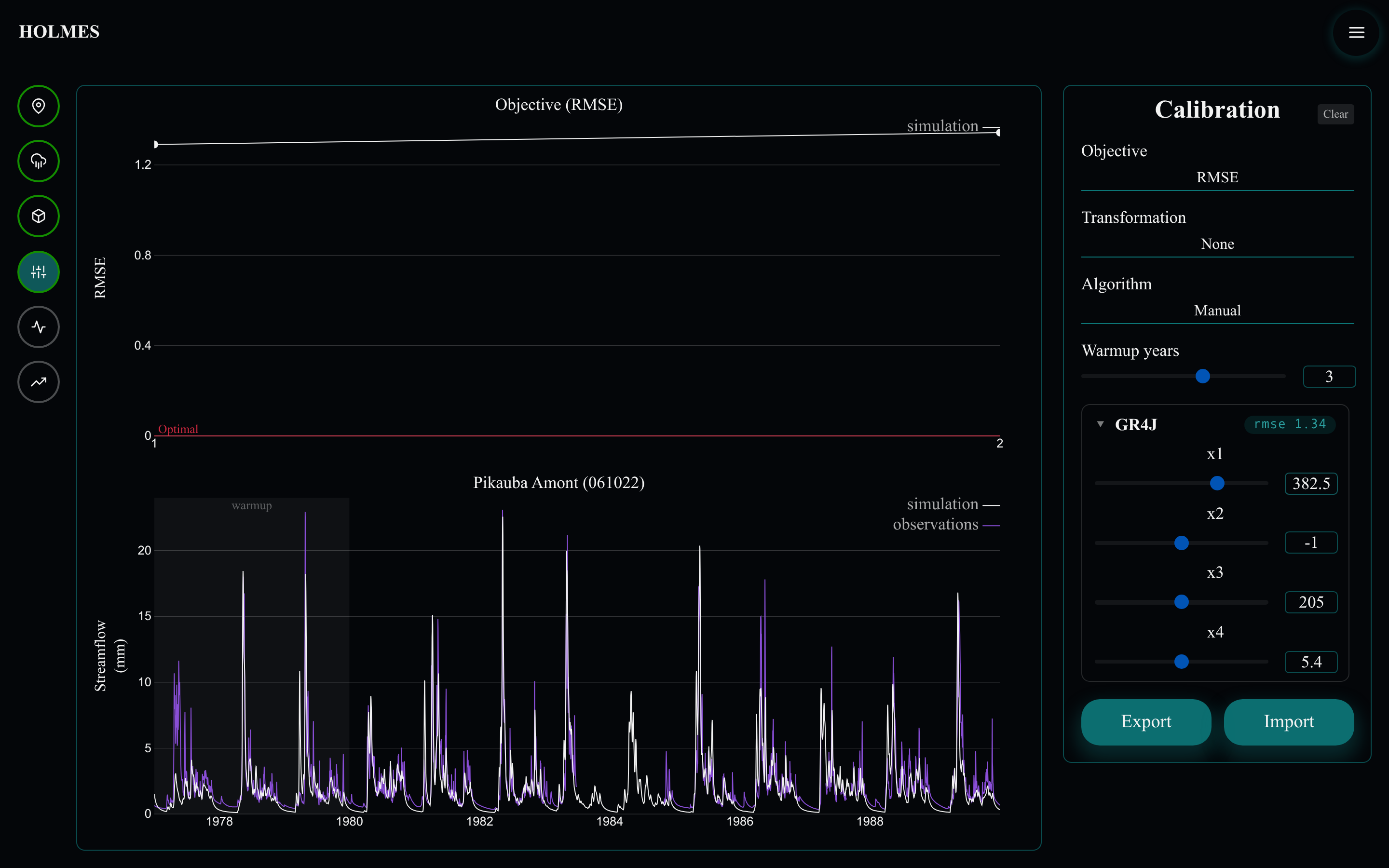
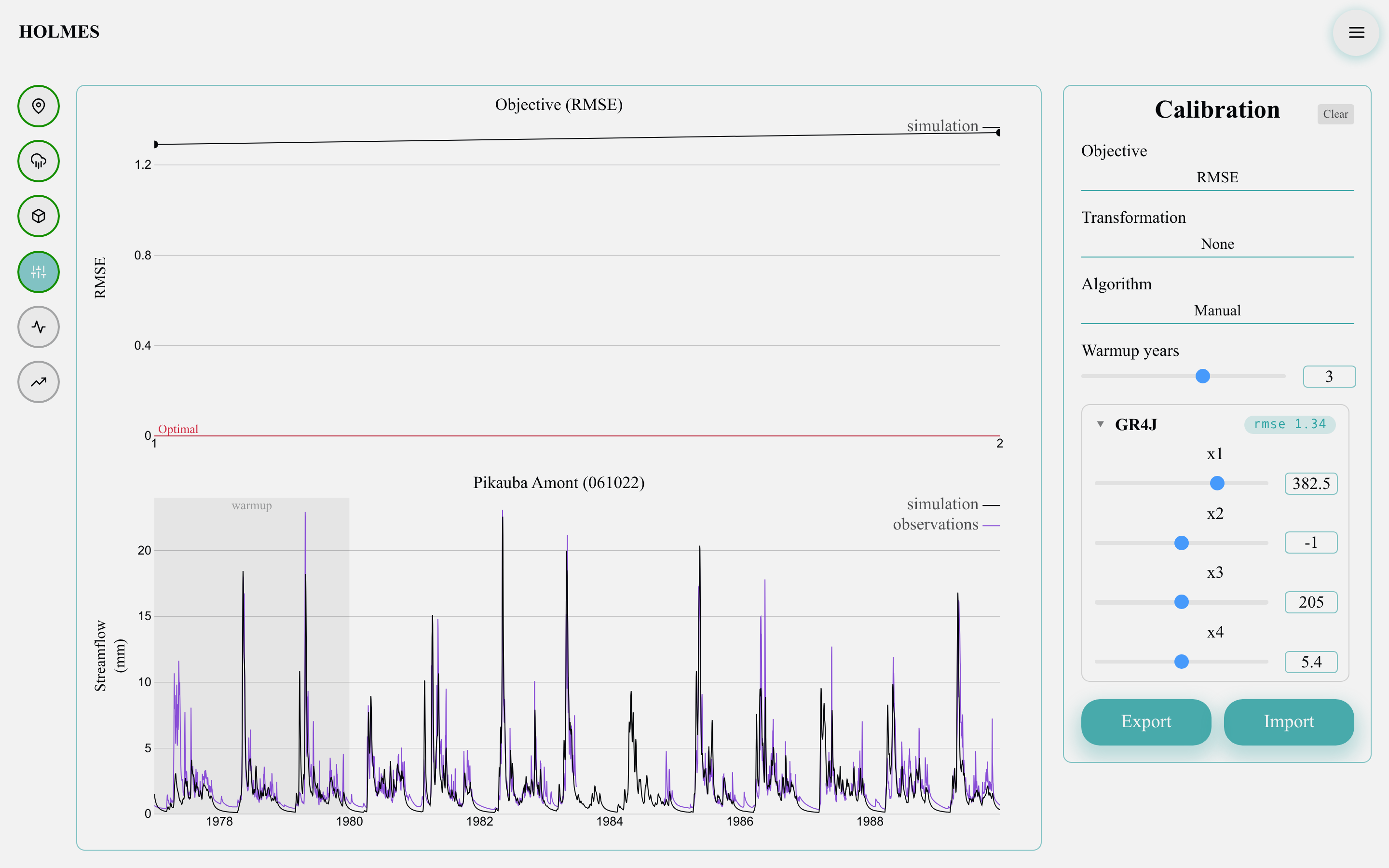
Settings
- "Objective" — the score being optimized: RMSE, NSE or KGE (see Metrics). RMSE is minimized towards 0; NSE and KGE are maximized towards 1.
- "Transformation" — None, Log or Sqrt, applied to both observed and simulated flows before computing the objective. A log transformation emphasizes low flows; no transformation emphasizes floods.
- "Algorithm" — Manual (you move the sliders) or SCE (automatic optimization; see Calibration algorithms).
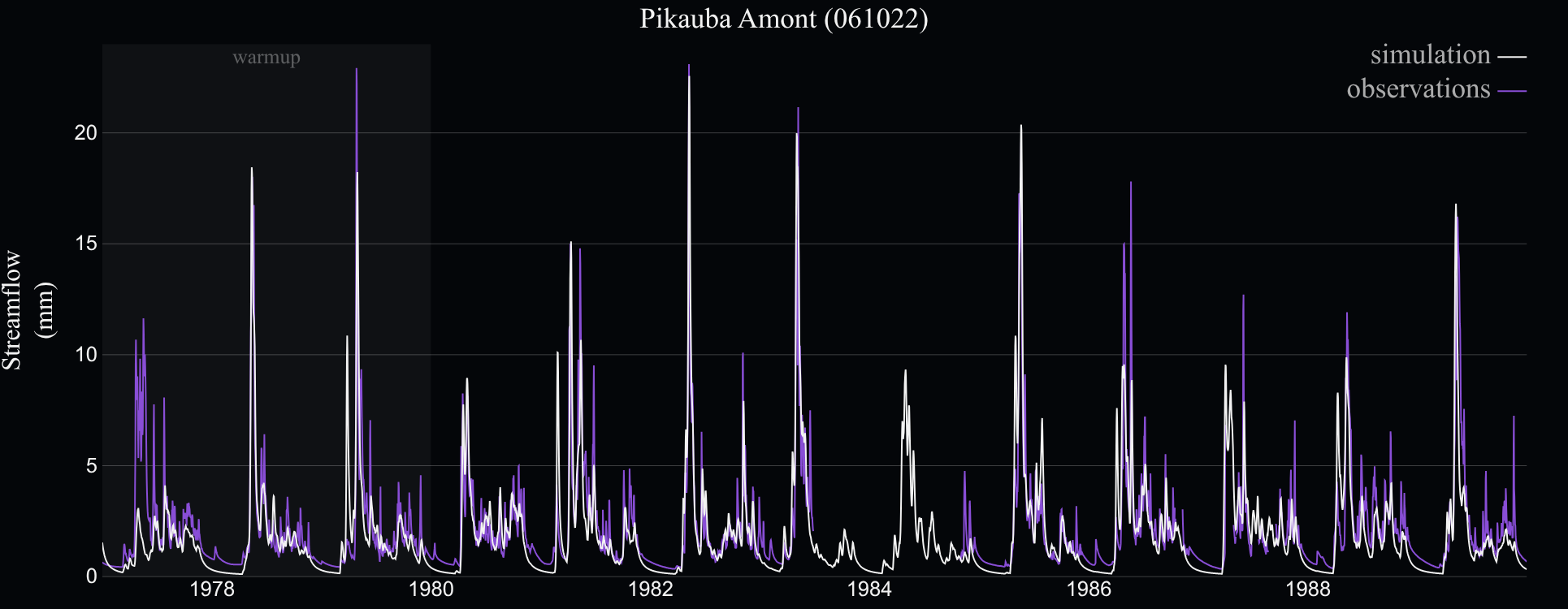
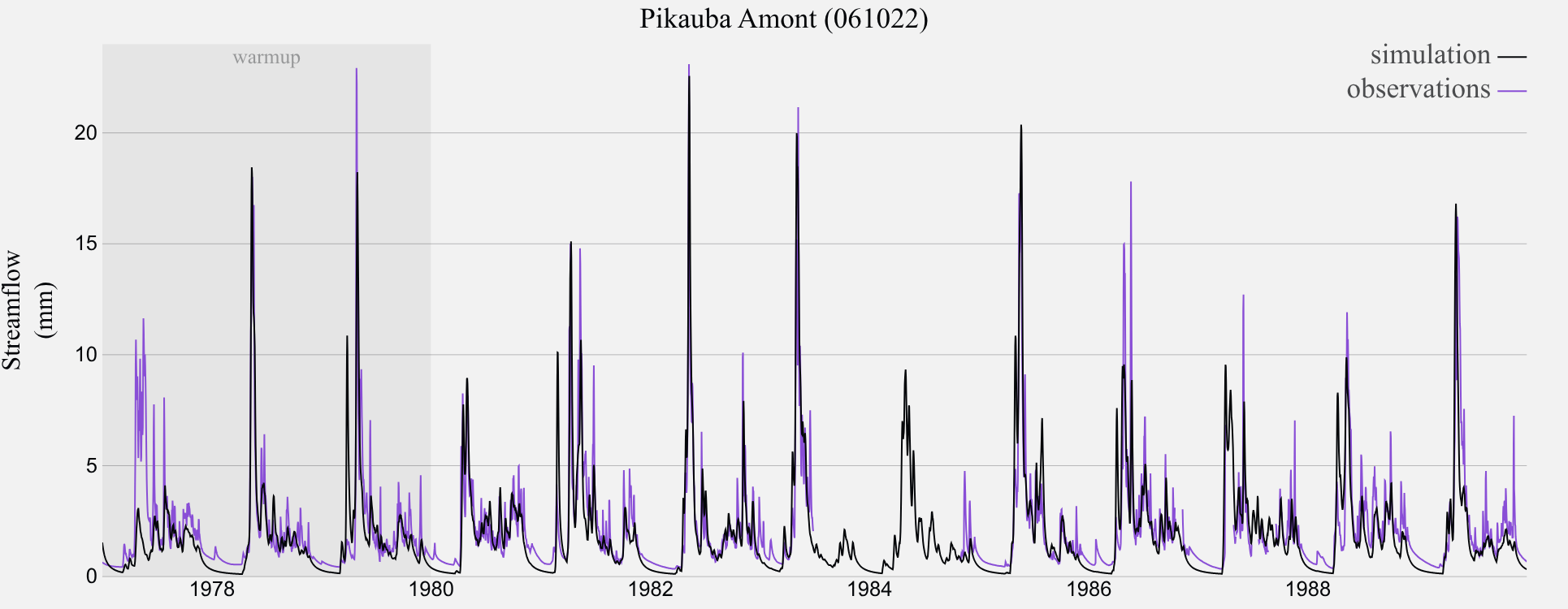
- "Warmup years" (0–5, default 3) — years prepended before the calibration period to let the model's internal stores fill up from their arbitrary initial state. The whole selected period is evaluated; only the prepended years are excluded from the objective. The warmup appears as a shaded band at the left of the streamflow chart.
Changing the transformation or the warmup discards the attempt history, since scores computed under different settings are not comparable.
Manual calibration
With "Algorithm": Manual, open a model's section to reveal one slider per parameter, bounded by that parameter's plausible range (log-scaled when the range spans orders of magnitude).
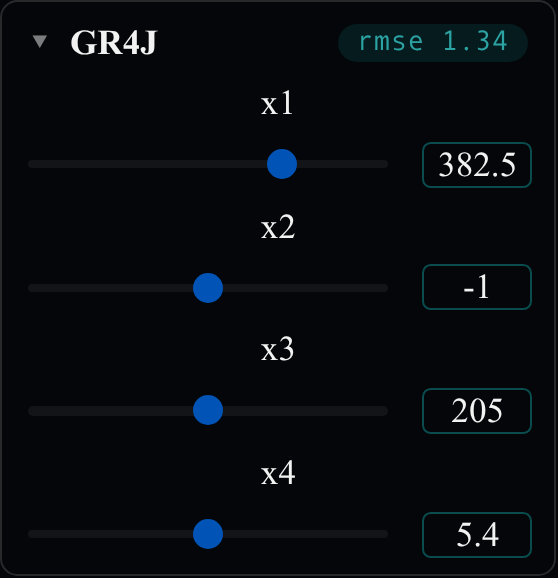
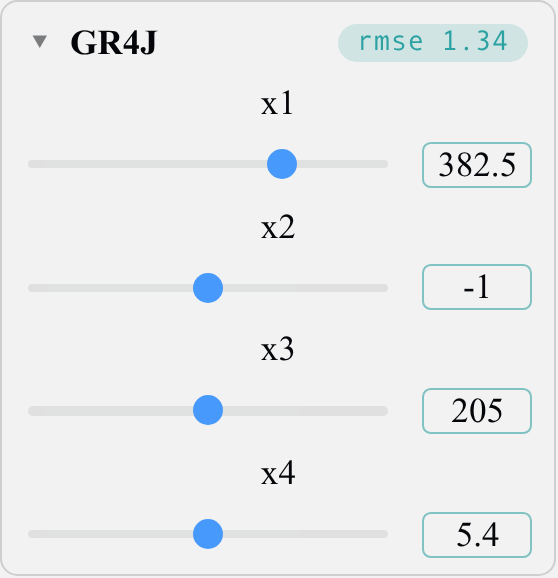
Every slider release (or typed value) immediately re-simulates the model: the objective chip next to the model name updates, the simulated line redraws, and a new point is appended to the objective chart — your calibration trajectory. Watch the streamflow chart while iterating: two parameter sets can score similarly yet fail on different parts of the hydrograph (zoom in to inspect floods or recessions).
Automatic calibration (SCE)
With "Algorithm": SCE, the collapsible "Algorithm settings" section exposes the optimizer's hyperparameters — notably max_evaluations (the run's budget in model evaluations) and seed (fixed by default, so a run is reproducible).
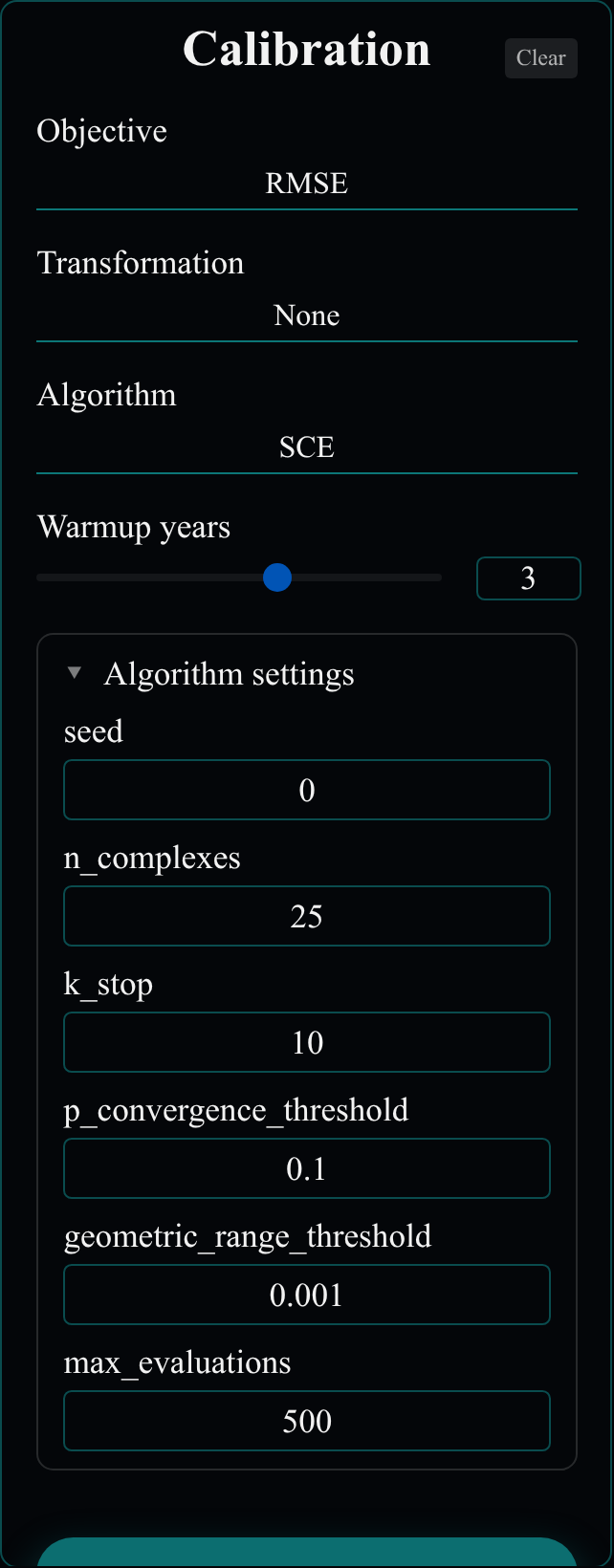
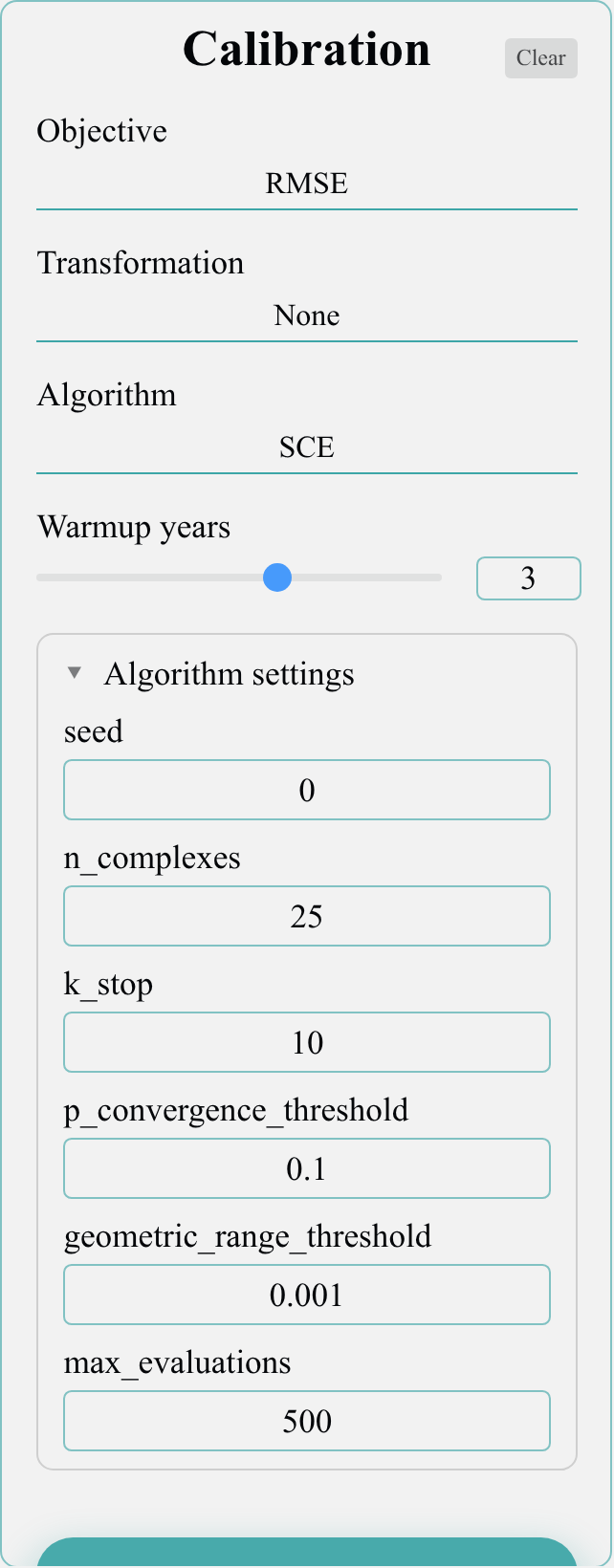
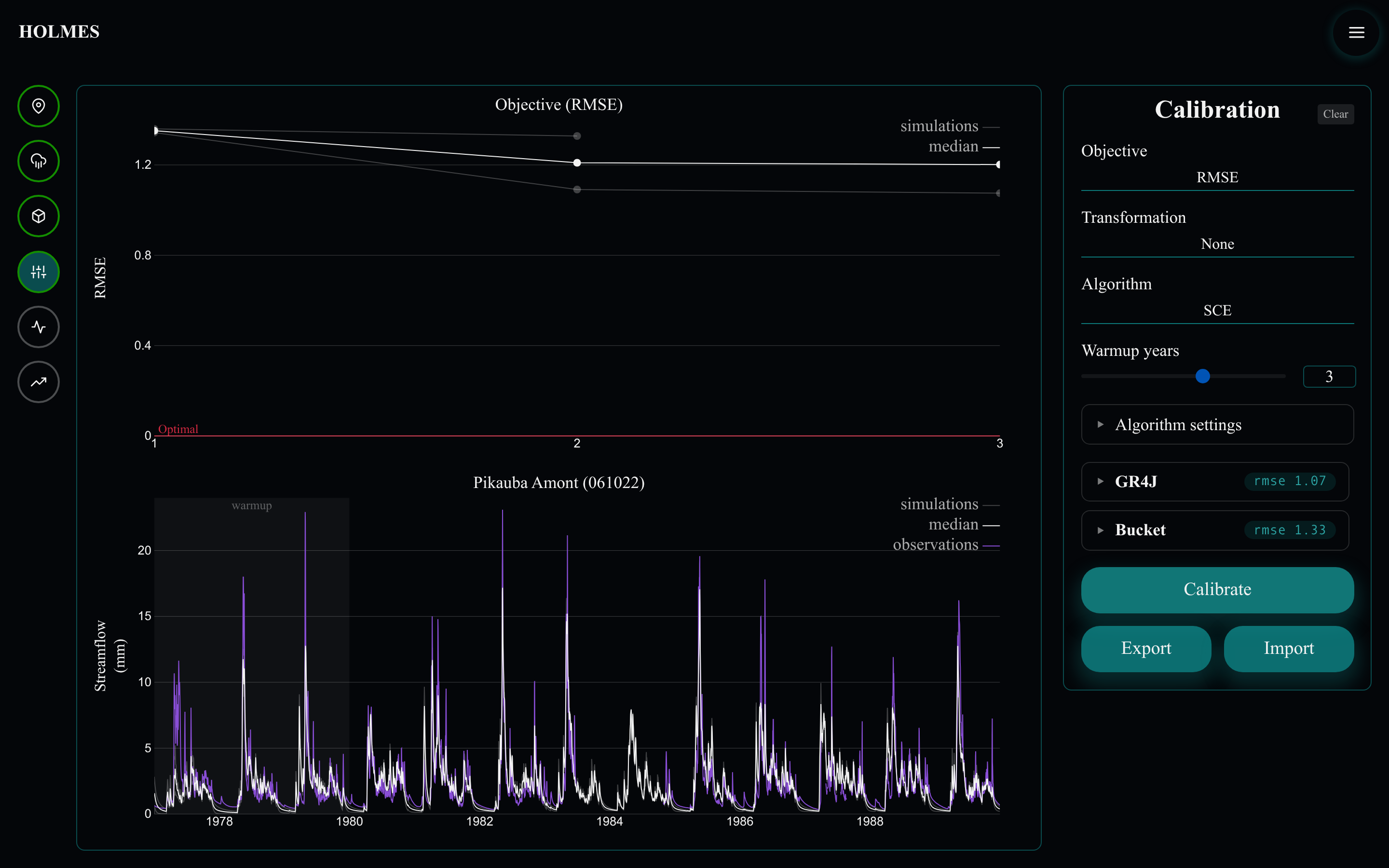
"Calibrate" starts a run on every selected model. While it runs, the settings and sliders lock, the sliders animate to the parameter values being explored, and the button becomes "Stop" (each model also gets its own stop button). Stopping keeps the best parameters found so far.
Charts
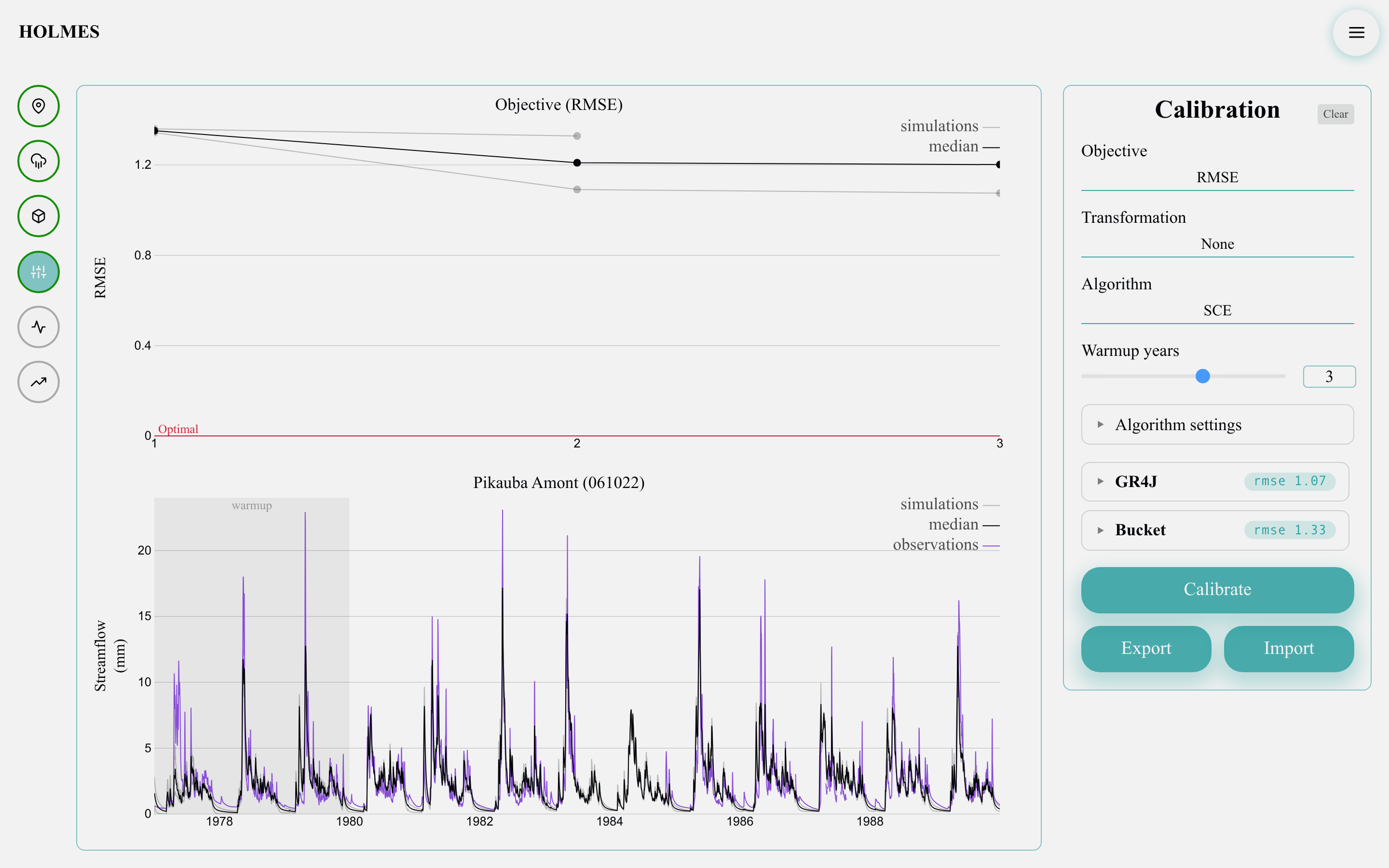
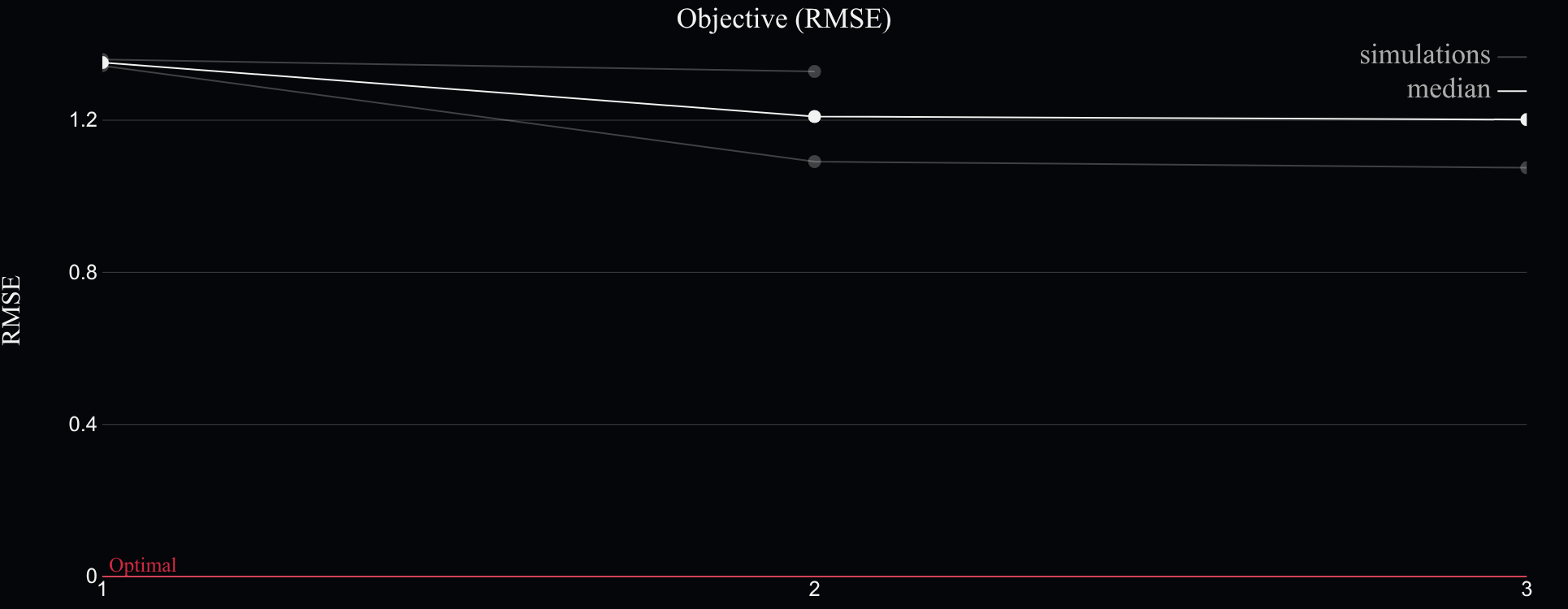
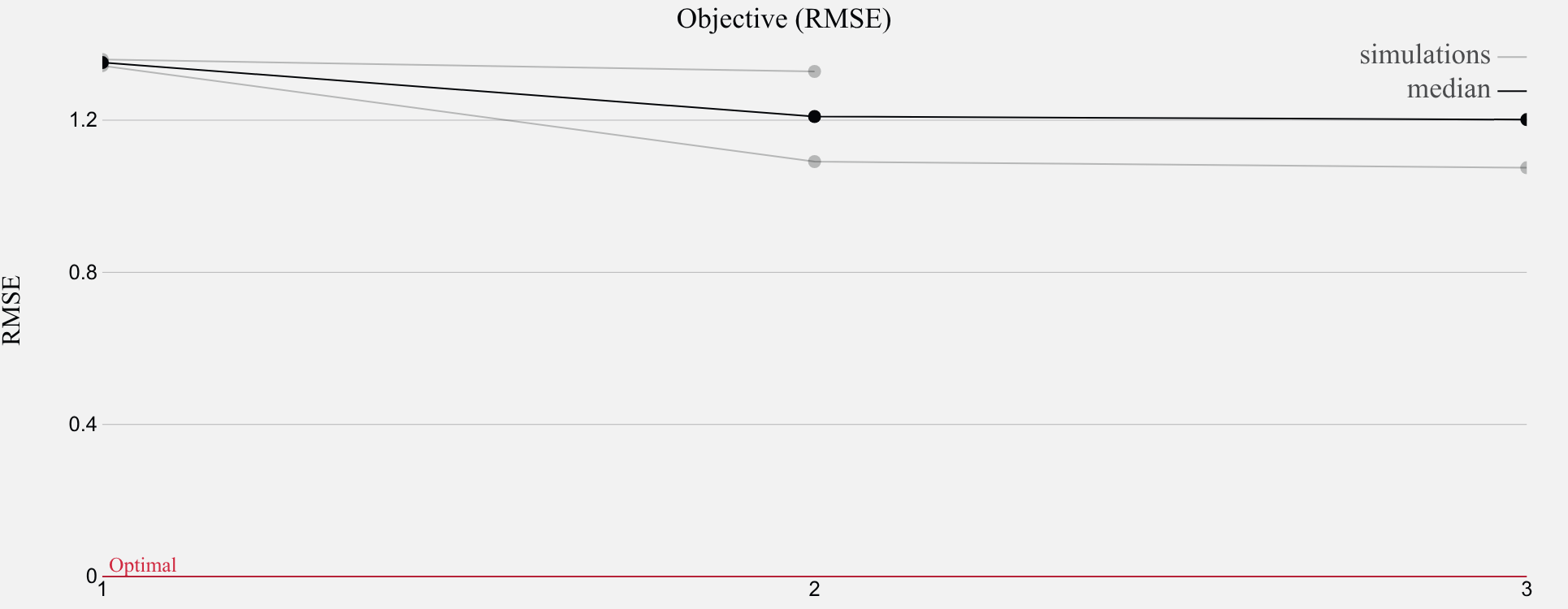
- The objective chart (top) plots the score of every attempt — manual moves and SCE runs alike — per model, with the median on top for ensembles and a dashed "Optimal" reference line (0 for RMSE, 1 for NSE/KGE).
- The streamflow chart (bottom) overlays observations and each model's current simulation, with the warmup band on the left. Hovering a model's section highlights its line in both charts.
The step completes itself
As soon as every selected model has at least one attempt, the calibrated parameters are recorded and the Simulation and Projection steps unlock. Changing anything upstream — station, period, weather method, models, snow model — or the transformation or warmup discards those parameters and re-locks them.
"Clear" (top right of the card) resets the sliders to defaults and wipes the attempt history, keeping the settings.
Export and import
"Export" downloads two files named after the station and period:
calibration_<station>_<start>_<end>.json— the full configuration, each model's fitted parameters, and the complete attempt history;calibration_<station>_<start>_<end>.csv— the simulated series (datetime,observations,<model…>plusmedianfor ensembles).
"Import" restores an exported .json.
The file is validated first; if its configuration differs from the current one, a dialog lists every difference (station, period, weather method, snow model, models…) and asks before replacing:
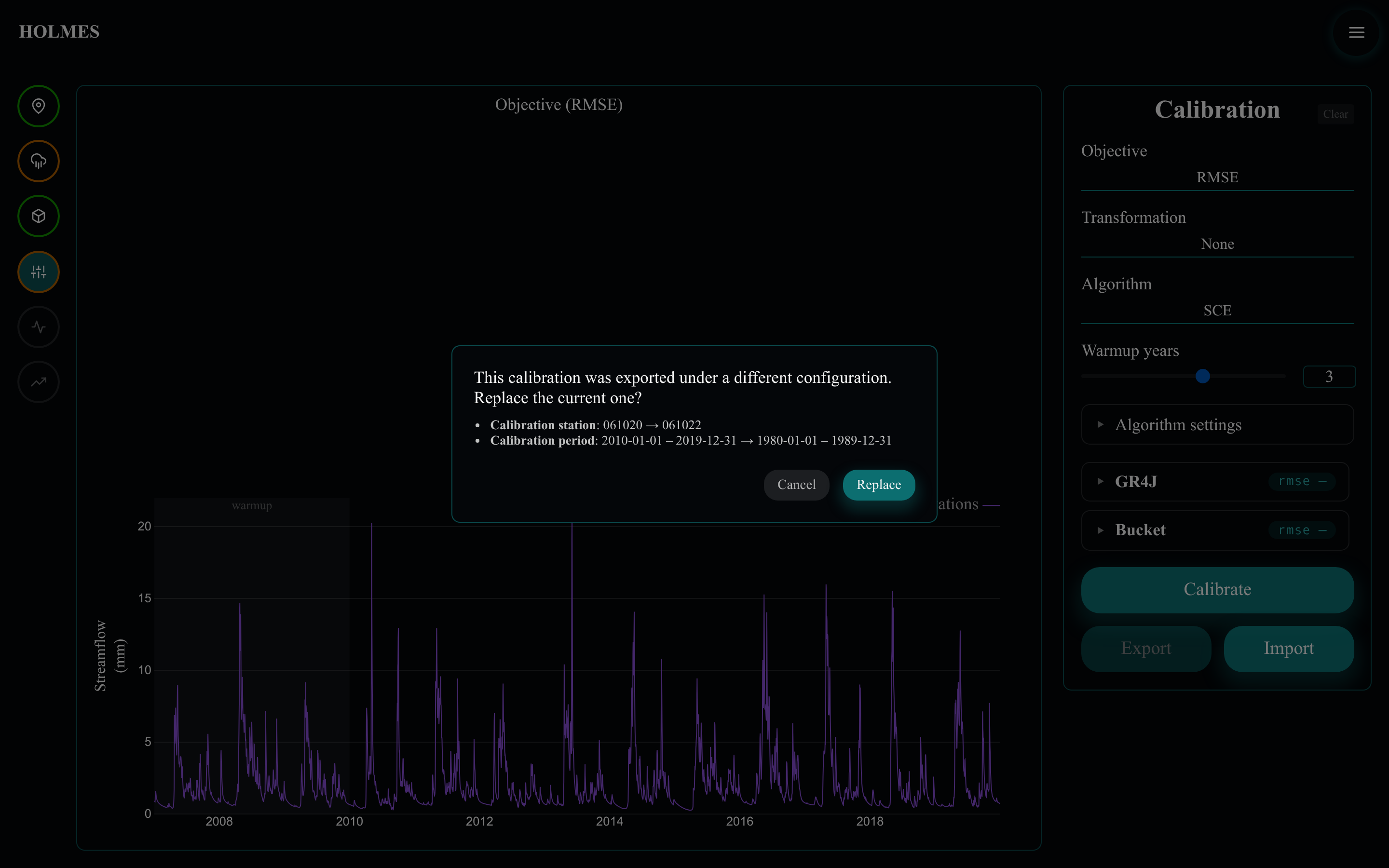
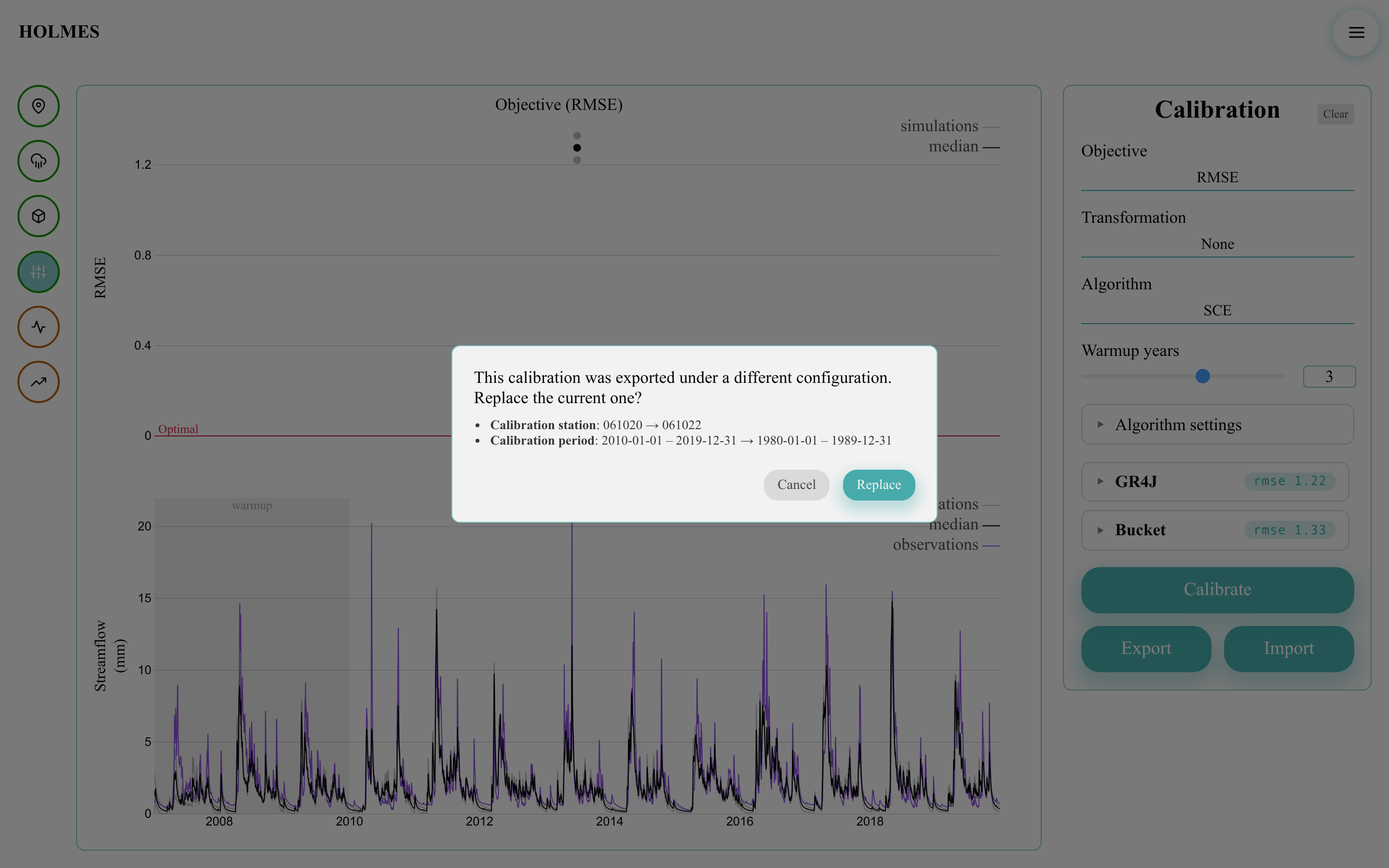
"Replace" restores the exported context — stations, periods, weather, models, fitted parameters and history — exactly as exported; "Cancel" keeps everything as is. Since browser storage only holds the latest state, exporting is the way to keep several calibrations (one file per configuration, as in a split-sample or proxy-basin exercise) and return to any of them later.