Model
The Model step picks which hydrological model(s) — and which snow model — the rest of the pipeline calibrates and runs. The theory behind every model is documented in the concepts section.
Single or ensemble
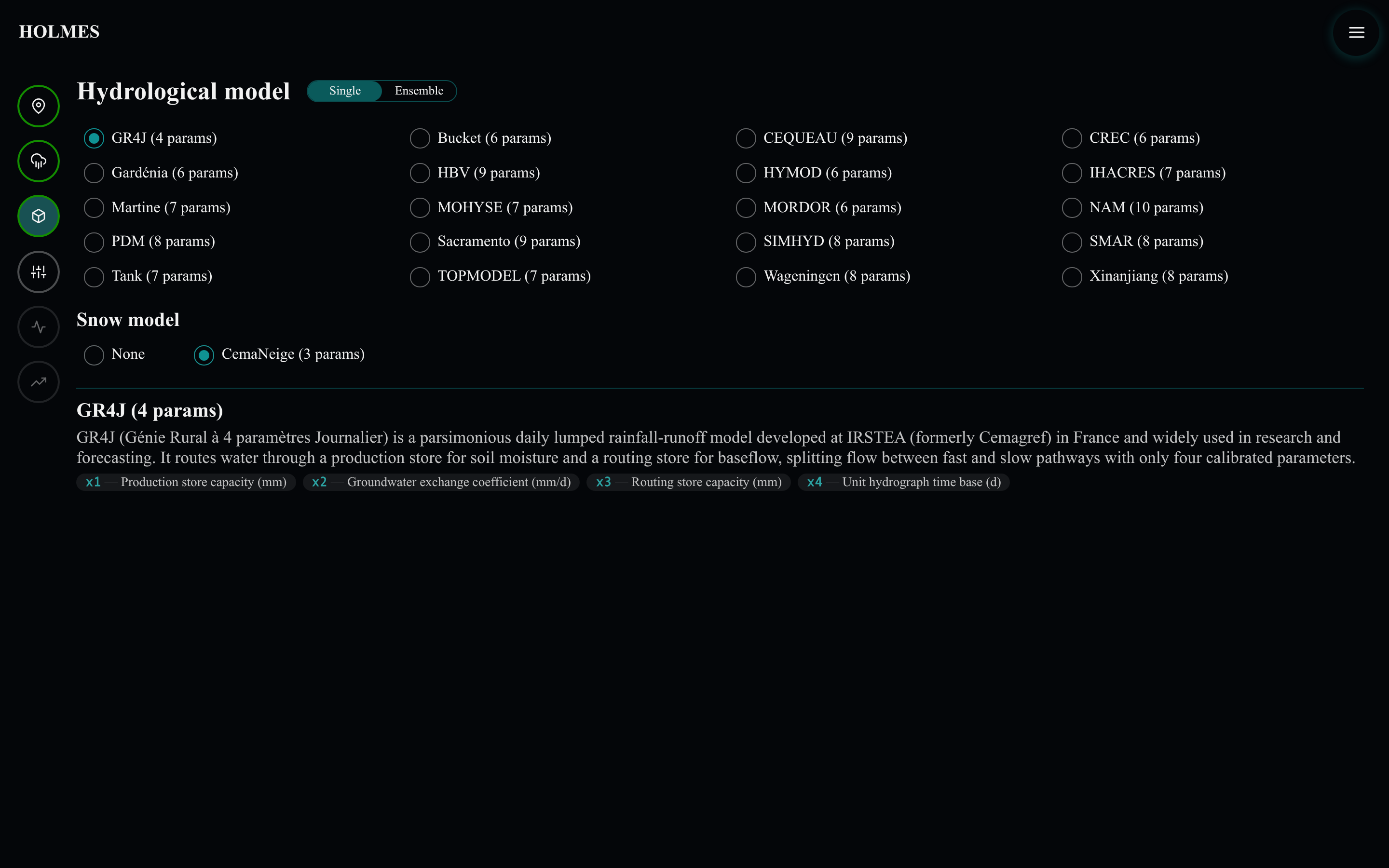
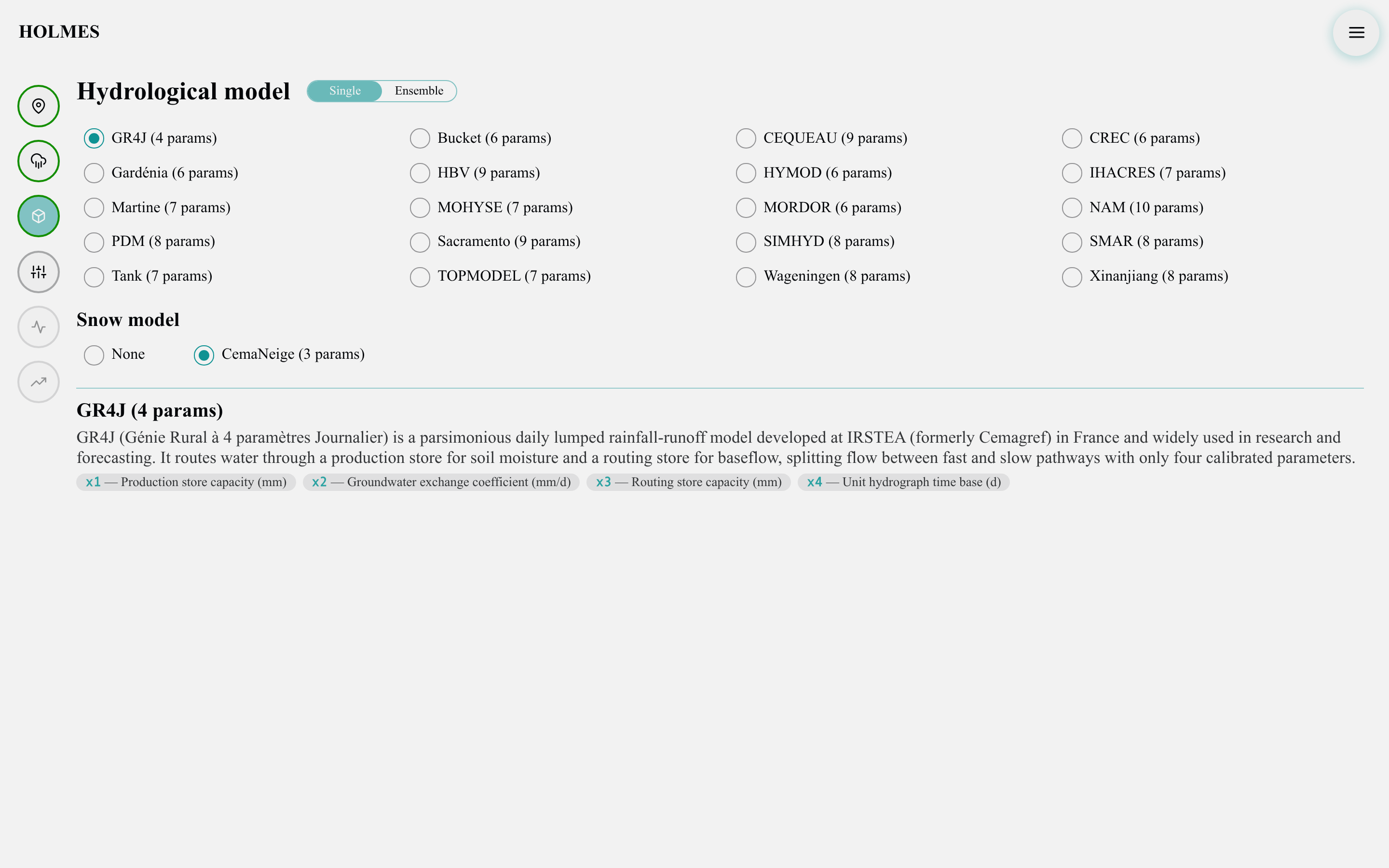
The "Single" / "Ensemble" toggle switches between two modes:
- Single: exactly one model; clicking a model replaces the selection.
- Ensemble: any number of models run side by side — calibration, simulation and projection then show one series per model plus their median. "Select all" and "Clear" operate on the whole grid.
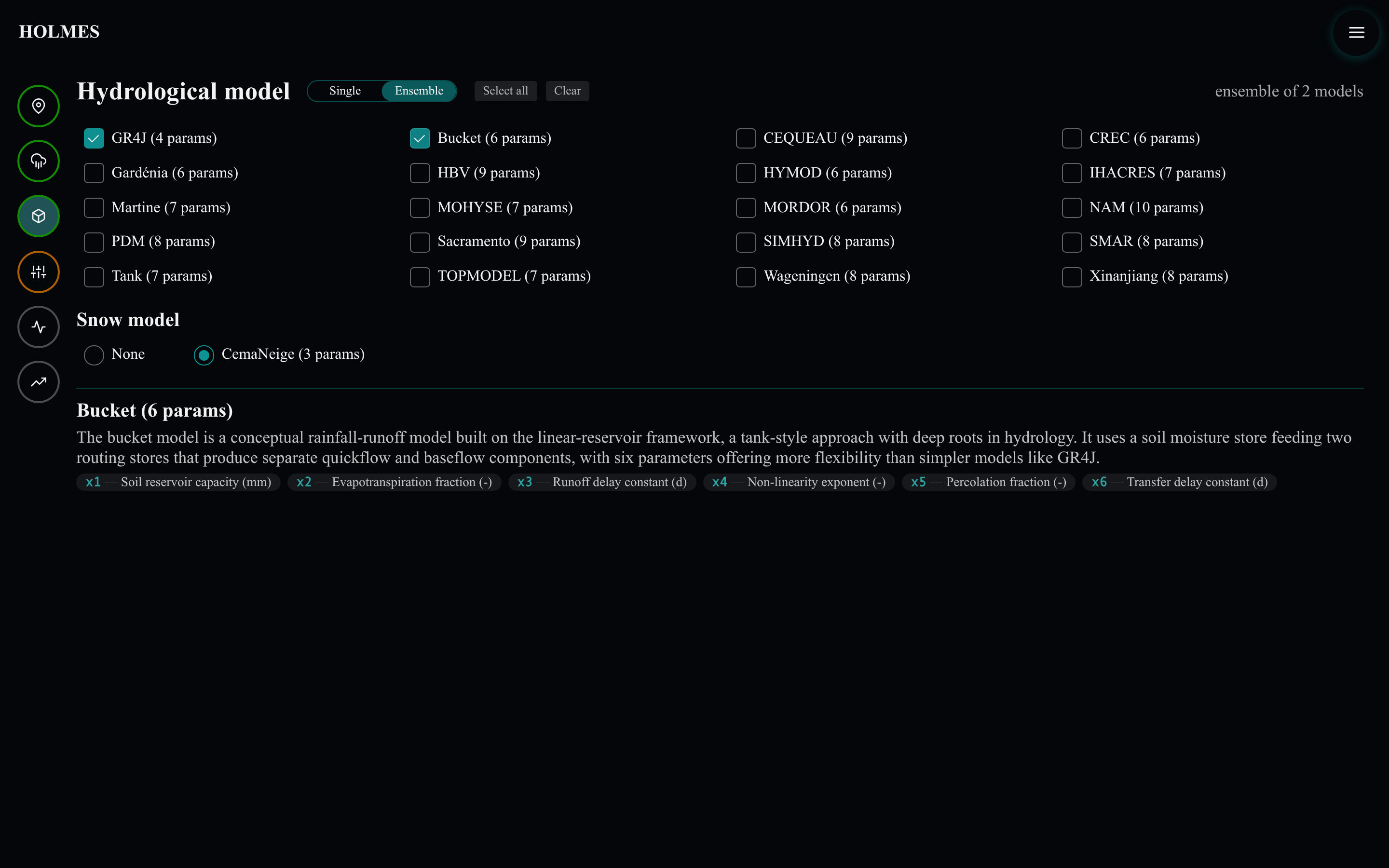
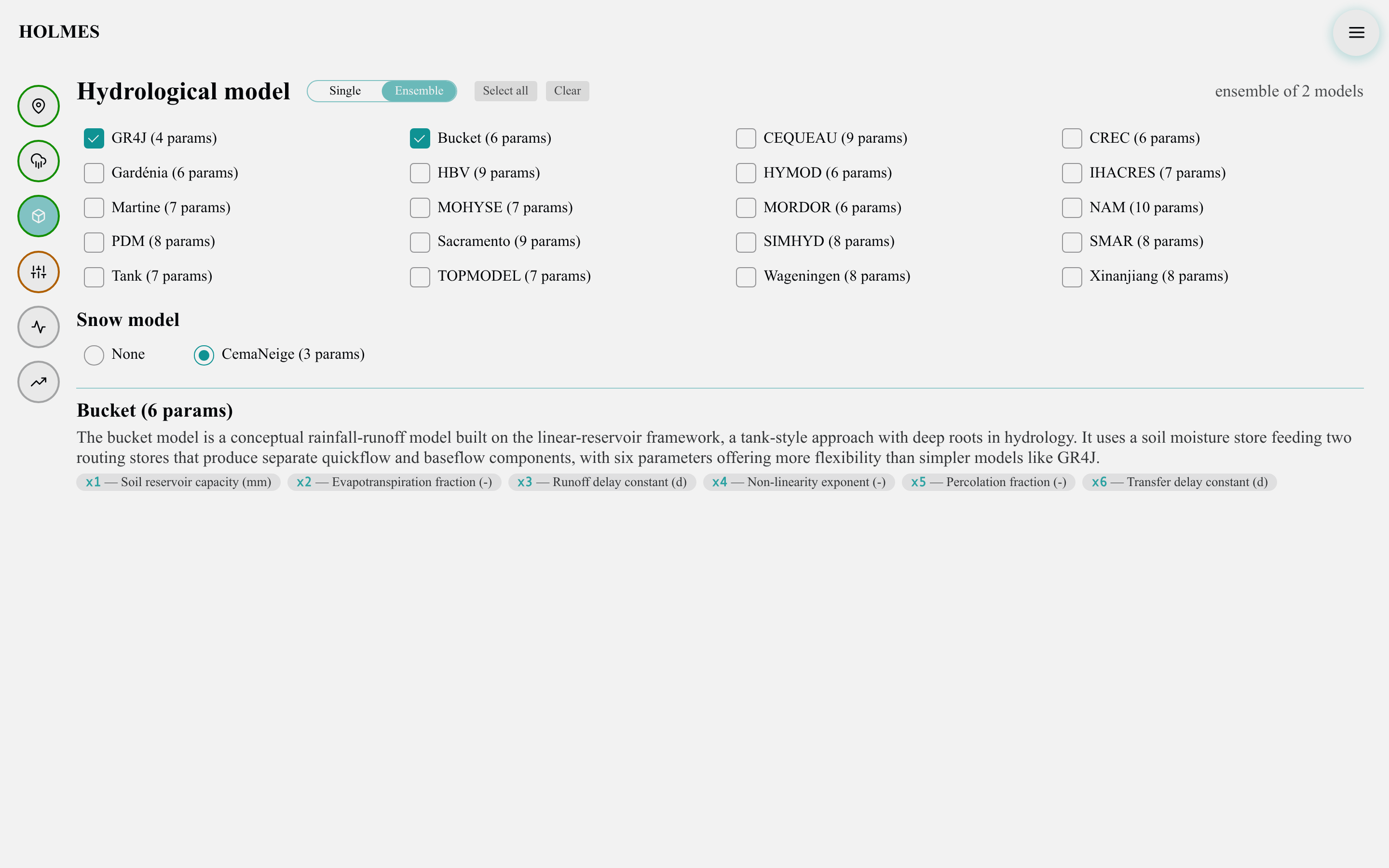
Ensembles are how structural uncertainty is explored: twenty models fitted to the same data will agree in places and diverge in others, and the spread is informative. Switching from ensemble back to single keeps only the first selected model.
The model catalog
Each of the twenty buttons shows the model's name and its number of calibrated parameters — a first hint of its complexity, from GR4J's four parameters to NAM's ten. Hovering any model fills the detail panel at the bottom with its description and the meaning of each parameter; the panel keeps the last hovered model.
Snow model
Winter precipitation in Québec accumulates as snowpack and is released months later — ignoring it makes spring floods impossible to reproduce. The "Snow model" section offers:
- "None" — precipitation reaches the model directly, with no snow accumulation or melt accounting.
- "CemaNeige" — a degree-day snow model that partitions precipitation into rain and snow per elevation band and melts the snowpack as temperature allows (see Snow models). Its two parameters are calibrated along with the hydrological model's.